

I’ve been using AI tools in my business for some time now. I’ve learned a lot in that time with my education coming from a wide variety of sources. Very few of them being photography related. I started Art of Photography AI to share that knowledge because I believe that there is a need for industry specific examples to help people new to these tools get their footing.
A significant part of my education has come from listening to podcasts while I’m walking, running errands, or doing work that doesn’t need my full attention. I listen to shows that are about current AI tools, marketing, search engines, how people find a business when they ask an AI for a recommendation. When someone says something I want to return to, I take a screenshot. The idea is to collect source information that I expect to refer back to. Back at my computer, I use it to find the episode’s transcript, capture that with a browser clipping tool, and send it into Obsidian.
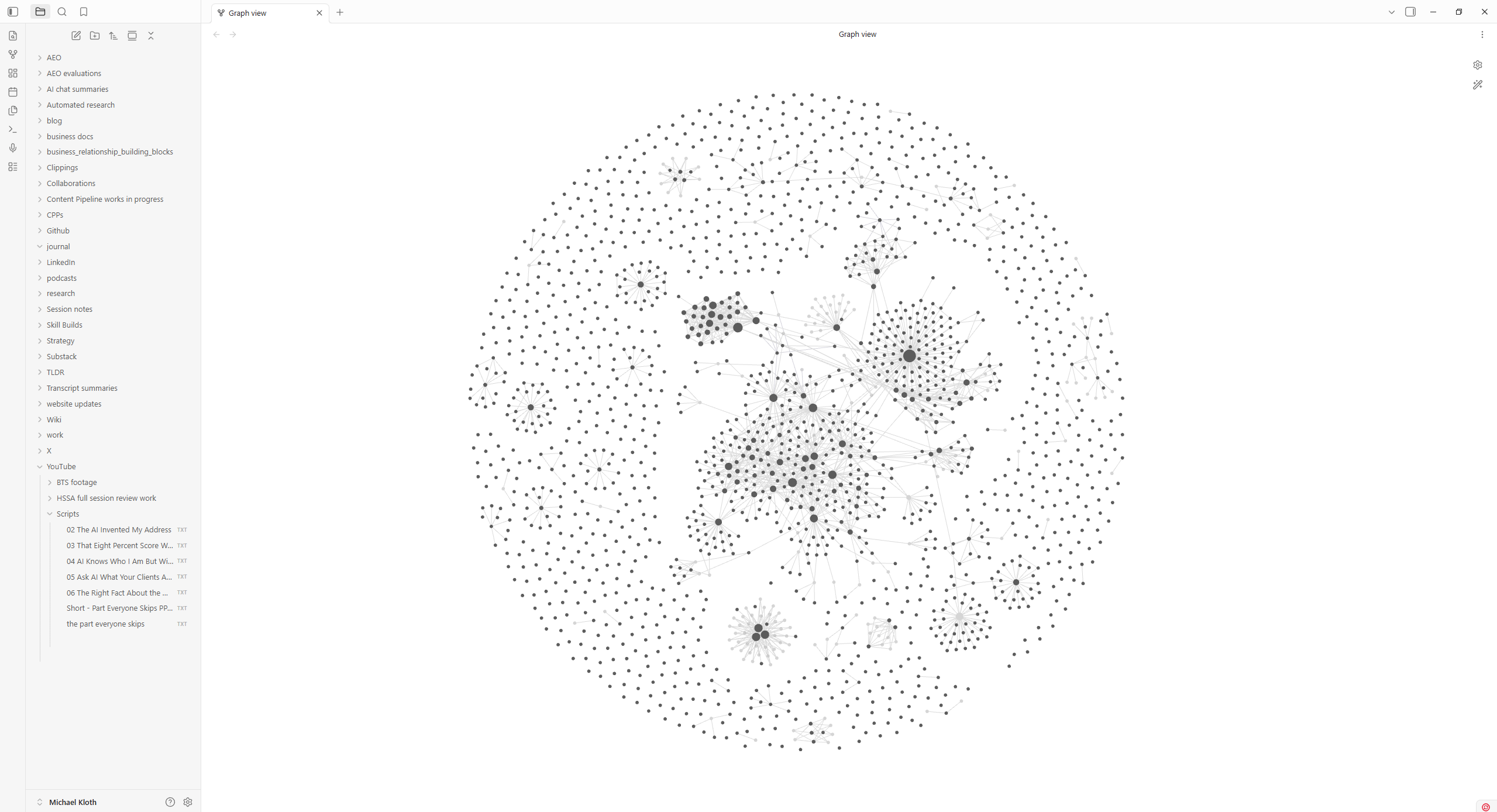
You may have heard this kind of collection called a second brain. At it’s most basic level, Obsidian is an information database, a place to bring together what I’ve written about, what I learn, what I’m working on, and the connections between them. The collection lives in a folder on my computer that Obsidian calls a vault. Its linked notes use Markdown, ordinary text files with a few conventions for headings, links, and formatting, which means other applications can read them too. I also keep spreadsheets, PDFs, Word documents, and other files in that folder structure. They contain information I want available when I build the wiki, the organized, linked account of what I’ve collected and learned. Obsidian itself supports other file types on a limited basis but more importantly, the AI tools I use to process the collection can also draw from XLSX spreadsheets, DOCX documents, and other sources when I give them access and the tools needed to read those formats.
What belongs there
Podcasts are one source. I also save useful web pages, meeting transcripts, session notes, and my published work. A session note can preserve something I noticed while working. The collection also includes results from my AEO tools, along with Google Search Console and analytics data. Reports can sit alongside the conversation in which I interpreted it and the decision I made afterward.
Conversations with AI deserve a spot not only because they reflect my thought process, but also because they’re so easy to lose. I can spend an afternoon working through a problem, reject several approaches, settle part of it, and leave another part open. Returning to the chat later requires remembering which conversation held the useful reasoning, and chat titles are often just a step above useless. Add in that some things live in projects, some are ‘local’, and the need for a way to recall work becomes obvious.
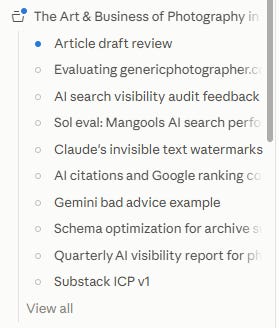
I use a tool I’ve built called Project Memory Generator to turn those conversations into documents I can keep. It records the problem, the reasoning worth preserving, decisions I actually made, and questions I haven’t resolved. A suggestion I discussed with an AI needs to remain a suggestion if I never agreed to it, otherwise it gains undue importance in the wiki.
Capturing these sources and incorporating their contents into the wiki are separate steps. In the second step, known as ingesting, I use AI with instructions about how to read and classify the material, identify useful relationships, and distinguish it from what’s already there. The source might be a Markdown transcript, a PDF report, or a spreadsheet of results. I want the useful information from each available in the wiki, with enough reference to the source that I can go back and examine it. I also want cross-referencing between related data.
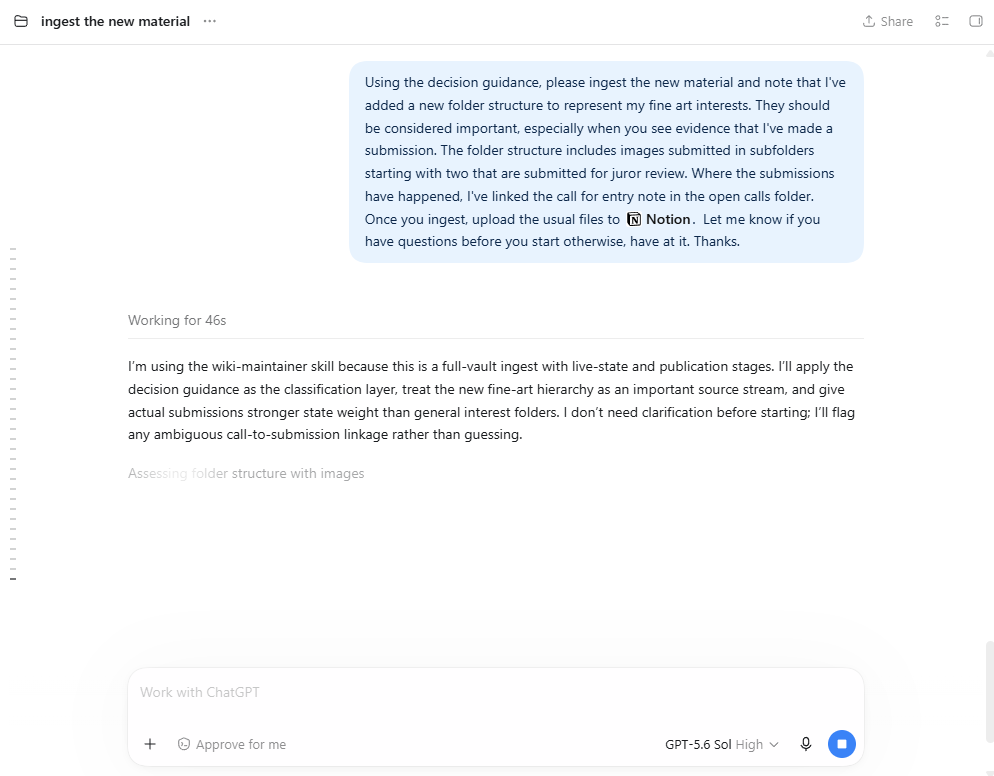
In Obsidian’s human-directed workflow, I link notes to one another as I recognize relationships. Bringing ChatGPT, Claude, or another AI tool into that work expands what I can ask of the collection. I can compare sources, proposed connections, and articulated relationships even if yet explained my thought process to the chatbot.
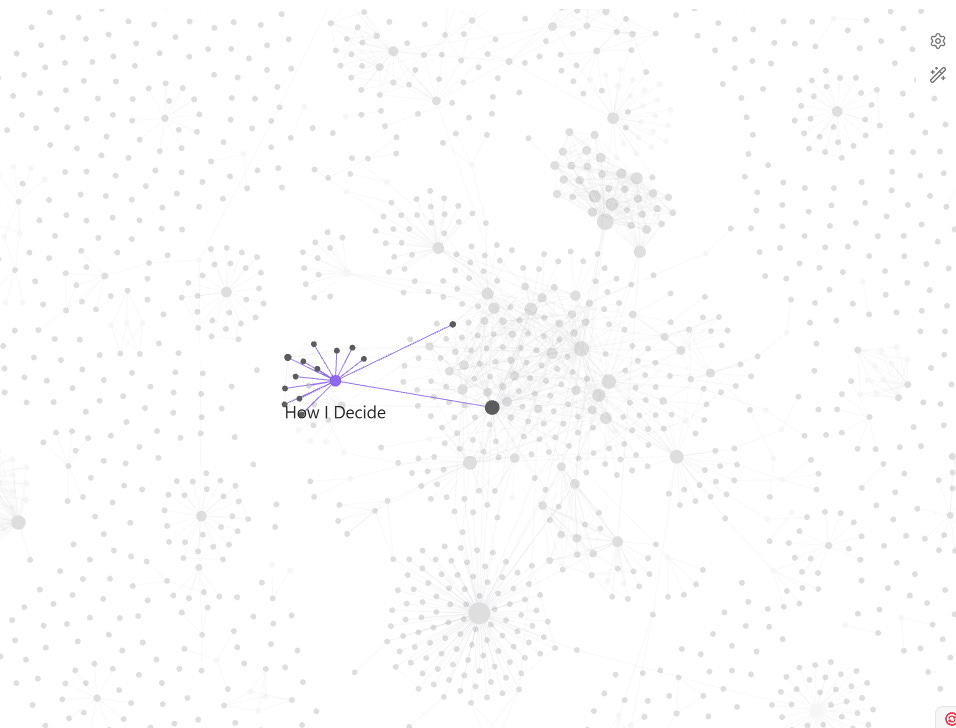
The relationship still needs a reason, of course. Some of that context comes from chat summaries, others come from my explicitly saying this connects to that in this way because of ‘reasons’. Without that, two (or more!) sources mentioning AI may have almost nothing useful in common. A marketing conversation and a note about how I evaluate evidence may have a great deal to say to each other, even though I saved them for different reasons. I build the vault to explore what connects those ideas.
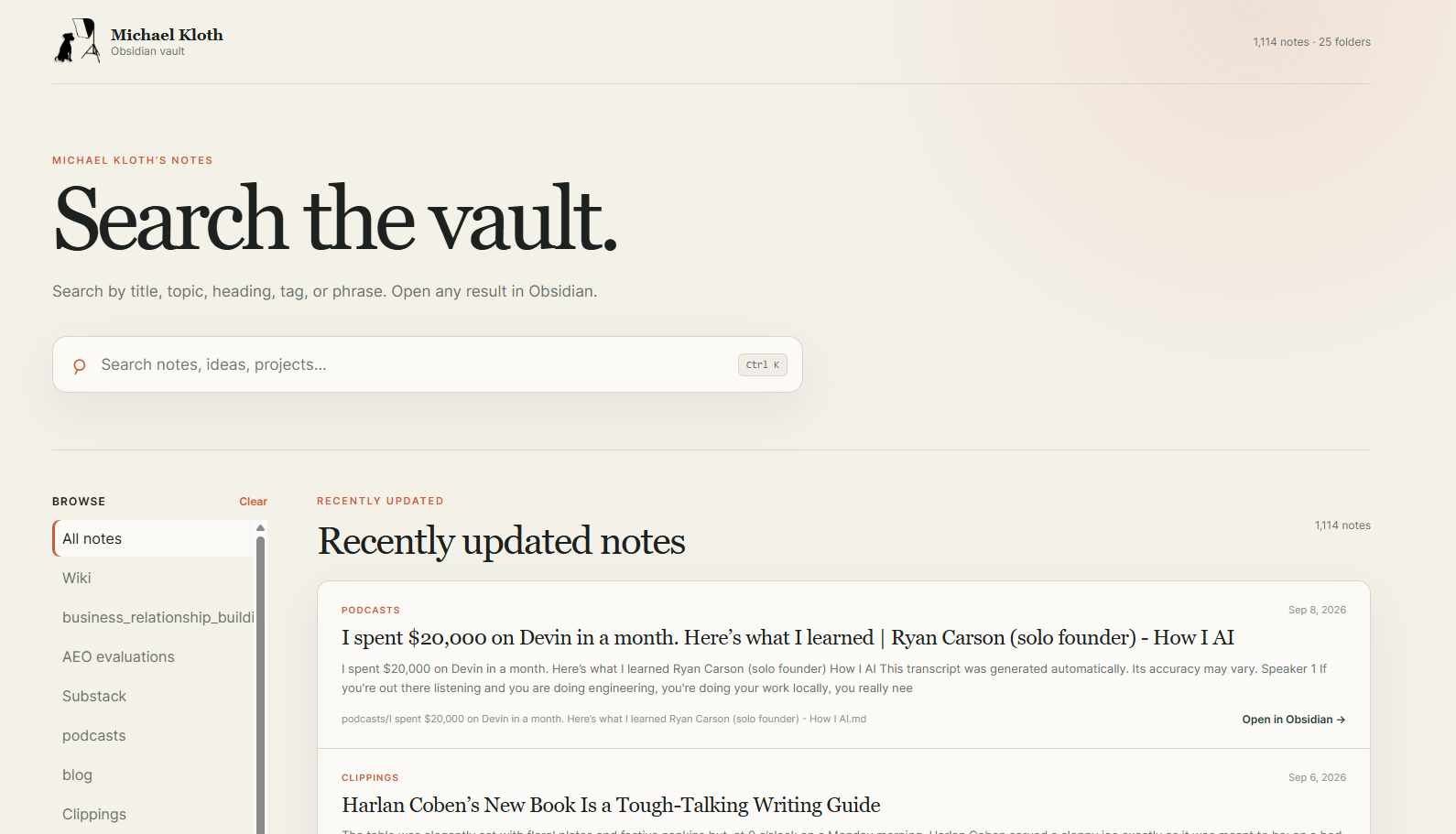
Obsidian is great for machine access, but when it comes to human searching, I found it lacking, so I built a simple search interface. That’s the thing with systems that other people built; they can be a great foundation, but they can and should be modified to make them personally useful, otherwise it is at best, an underused resource and at worst, a waste of time.
Where Notion fits
I also keep documents in Notion, which gives me pages I can maintain and make available to connected AI tools. My writing guide lives there, along with the document that establishes basic facts about me and my business. I refer to these as canonical sources, meaning I’ve identified which document should govern a particular kind of information. If an AI needs to know how I write, I want it to read the current writing guide. If it needs a fact about my business, I want it to consult the document I maintain for that purpose. I don’t want an old draft that happens to sound confident to become the authority, and I really don’t want any AI tools to extrapolate hard facts about my business. These canonical source files are an important way of ensuring that doesn’t happen.
Some authoritative documents live in Obsidian, and I publish read copies of them to Notion. My vocabulary reference, the vault digest, and the decision log work this way. The digest gives an AI a compact account of active work and open questions; the decision log preserves choices and their reasoning. Copying everything would leave me with another collection to sort through, and more opportunities for an outdated copy to disagree with the document I actually maintain. In this arrangement, I use Notion for a selected set of accessible references, while the vault holds the broader material from which I can develop and examine ideas.
So why bother with Notion? It all comes down to how I use AI. Oftentimes, that’s at my desk, but I also use my phone or my laptop. Notion gives me another access route with the most important and most frequently used information. AI tools with access to the vault on my computer can read the material there. Tools connected to Notion can read the pages I’ve made available through that connection. I still need to direct them to the relevant sources. Having a document somewhere in my system doesn’t establish that the AI will read it for the task at hand.

A day’s work on how I decide
I recently spent a full day building a guide called How I Decide. It describes how I evaluate evidence, tradeoffs, uncertainty, and the point at which an interesting possibility becomes something I’m committing time to. The guide draws on AI records of earlier decisions made. I also shared philosophical context with ChatGPT Sol during it’s creation. One principle tells an AI to check how a result was produced before recommending that I change strategy. The supporting records include an AI-search query that returned painters when I was trying to assess photography visibility, and a monitoring change that made the numbers before and after it unsuitable for a direct comparison. Those records now support a general instruction in the decision guide. I can give a future AI the principle, the evidence behind it, and the limits of its application. I also keep the reasoning made that possible.
Deciding what to carry forward
Some podcasts had been excluded from the material carried forward as “not photography-specific” when I’d been using the pre-built ingest instructions (the Karpathy method). I’d saved them because something interested me, and photography alone was too narrow a description of why they might belong. I needed to make those reasons more legible to the AI. A source can be worth retaining because I want to challenge it. Something can deserve a place before I know which project it belongs to. And once it’s in the collection, I need the AI to distinguish the speaker’s position from my own.
Further, not everything deserves to receive equal weight. An article I’ve published represents a more considered position than a content pipeline full of things I might write. The pipeline can still tell an AI what I’m considering. A recent note might record why I’m reconsidering something I published. The question is what each source can establish, and whether I’ve actually adopted the position it describes.
On September 4, I began piloting the decision guide with a corresponding set of ingest instructions. Those instructions tell the AI to distinguish facts, observations, proposals, and decisions, and to request review when material appears valuable but has no clear home. They also call for a report of what it inspected, what it changed, and what it withheld and why. Those reasons are important to understand if the system is working as I intend and they become helpful down the road when I want to consider how my decisions and processes evolve over time.
This is part of what I mean by persistent identity: the voice guide, project knowledge, and feedback loop working together to carry accurate context across sessions. I supply the material, review how the AI handles it, and make corrections specific enough to inform later work. The day spent on the decision guide belongs to that work, just as capturing a useful conversation does.
For your own business, one saved conversation may be a useful place to begin. Keep the reasoning behind a decision, along with the decision itself, and give it to an AI when the subject comes up again. Then examine what it does with the distinction between what you considered and what you chose.
I want mine to understand my work well enough to help with the next thing.